

NotebookLM: The One Tool That Actually Helped Me Think Faster During the Kaggle GenAI Competition
They told us to try it. I didn’t think a doc-reading AI could actually help. Then I used NotebookLM — and it clicked.

Throughout the Kaggle GenAI competition, we kept seeing the same line in the official emails:
“Want to have an interactive conversation? Try adding the whitepaper to NotebookLM.”
I was curious.
I clicked the link, dropped in a few documents… and I haven’t closed the tab since.
In a challenge where I had to move fast, digest dozens of resources, and make real technical decisions, NotebookLM quietly became my secret weapon.
What is NotebookLM?
NotebookLM is a Google Labs tool that lets you upload your own documents—PDFs, Google Docs, notes—and then chat with them using an AI assistant that stays grounded in your sources.
It’s like ChatGPT with memory you control.
Upload. Ask. Refine. Repeat.
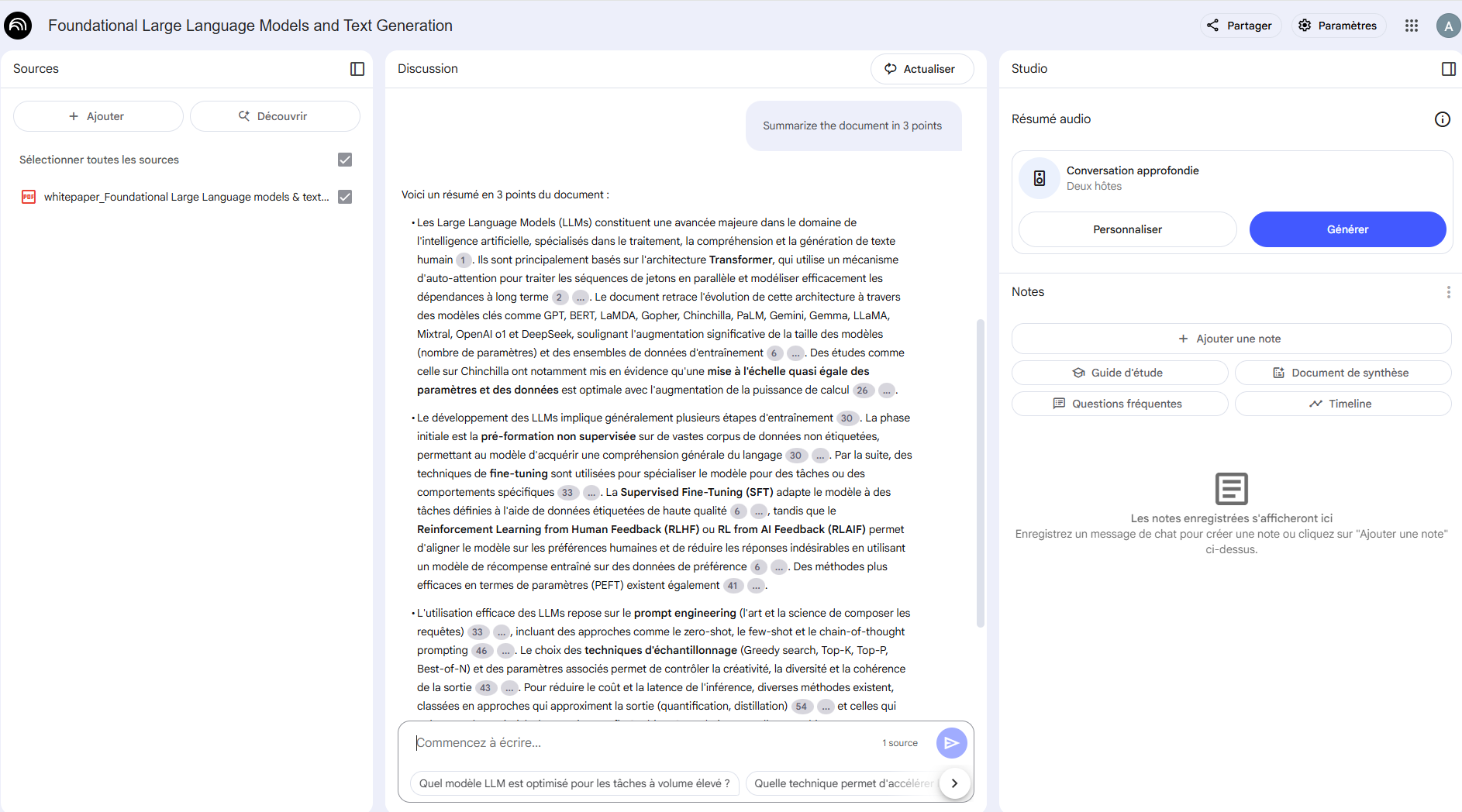
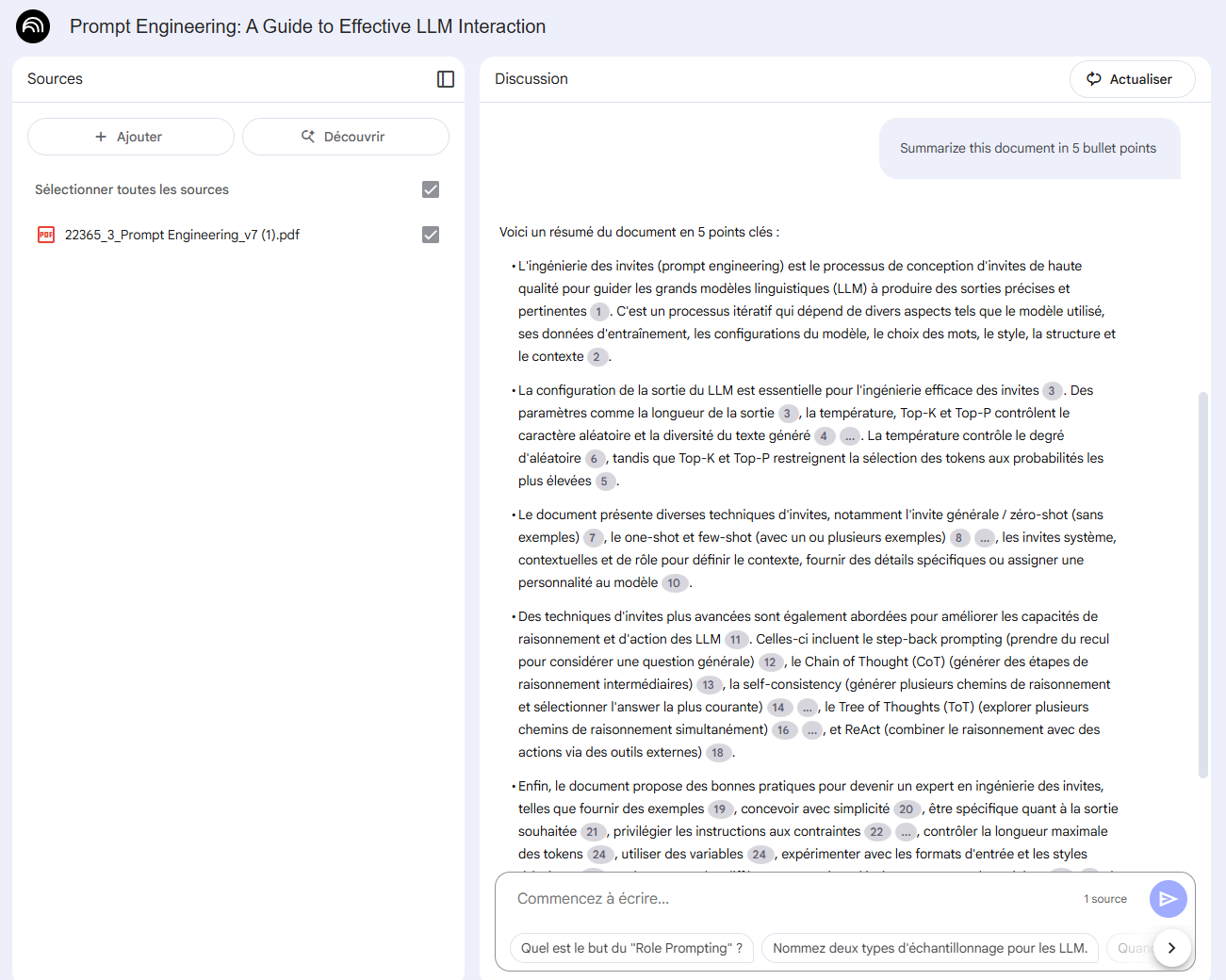
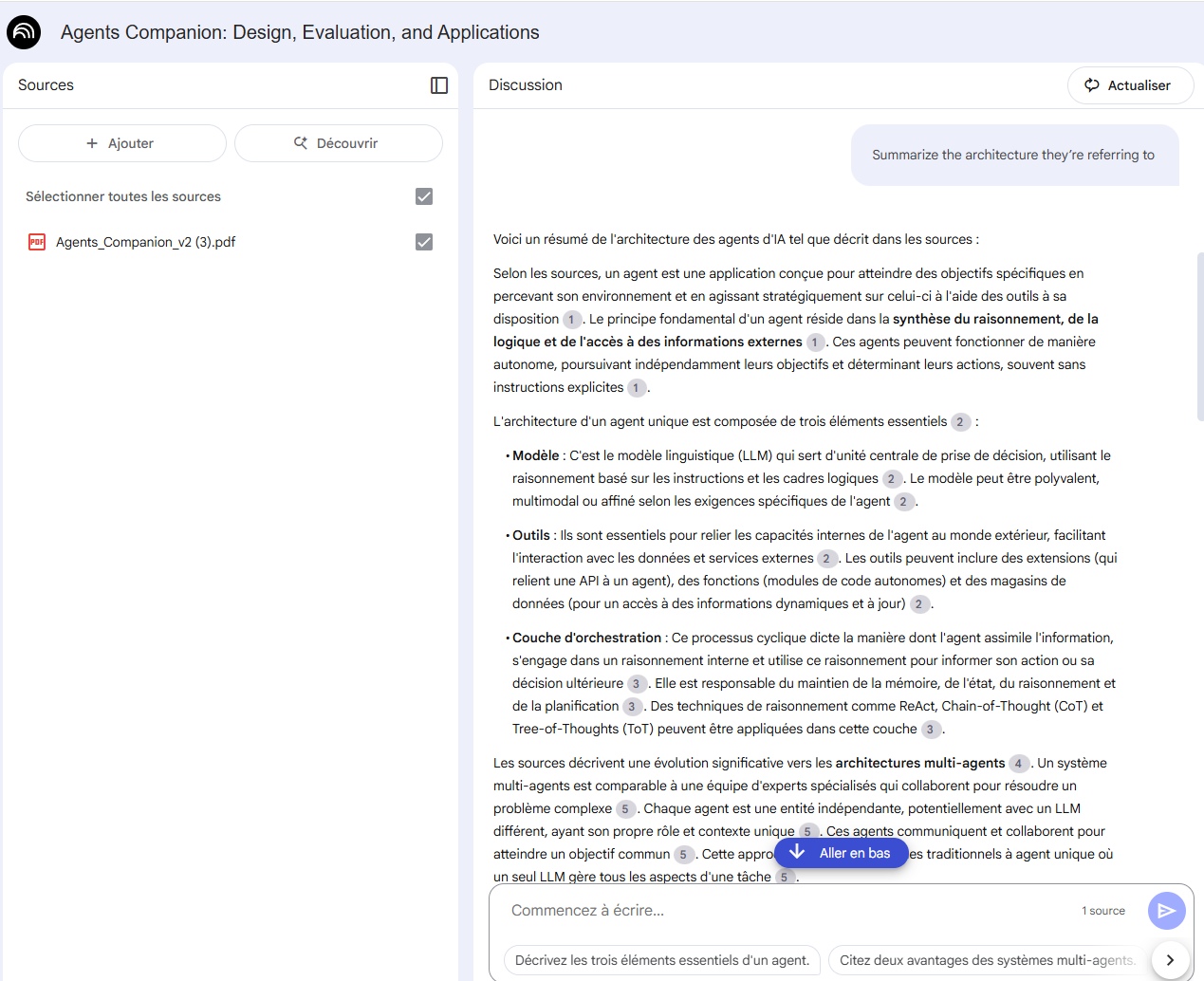
📌 One detail that surprised me: my entire system (account, browser, etc.) is configured in French — and NotebookLM automatically responded in French, even though the documents and my questions were in English.
The output stayed accurate, fluent, and contextual — but in my system language. That’s what you’ll see in the screenshots below. I didn’t ask for translations, it just adapted.
Why I used it (and how it fits my workflow)
During the Kaggle GenAI challenge, I was juggling:
Google’s GenAI course notes
LLM architecture diagrams
Whitepapers on prompt design, embeddings, and MedLM
My own ideas and planning docs
I needed something faster than Ctrl+F.
Something that could help me synthesize, not just search.
NotebookLM was the only tool that made that easy.
(I tried using ChatGPT for this, but even with custom instructions and memory, the grounding wasn’t as precise. NotebookLM felt less creative, but way more focused.)
How I actually used it
Let’s keep it real: I didn’t build my project inside NotebookLM. But it was like having a fast-reading, always-on assistant for technical understanding.
📄 Use case 1 — Exploring and summarizing whitepapers
I uploaded the whitepapers Kaggle shared on:
Prompt engineering
Vector embeddings
Retrieval-augmented generation
MedLM vs SecLM
Then I prompted:
“What are the key takeaways from this document?”
“Explain this pipeline in 3 steps”
“Which LLMs are mentioned and why?”
“Find the paragraph that describes how Gemini handles document retrieval”
It saved me hours.
🎧 Use case 2 — Following along while listening
I also used it while listening to the GenAI podcast course.
When the speaker mentioned a model or concept, I could jump to NotebookLM and ask:
“Where is this mentioned in the notes?”
“Summarize the architecture they’re referring to”
“Who developed MedLM?”
It became my active learning companion. I wasn’t just listening—I was engaging with the material in real time.
Bonus: Prompts that worked well
NotebookLM responds best to very clear, structured queries.
Here are some of the most useful ones I tried:
“Summarize this document in 5 bullet points”
“Explain this model like I’m a beginner”
“List all the methods mentioned and what they do”
“What’s the difference between technique A and B?”
“Find all mentions of [keyword] and group them by section”
What I liked
Fast answers grounded in my sources
No hallucinations (as long as my source was solid)
Great with dense PDFs and technical docs
Worked well despite my French system settings
Feels like “Ctrl+F but smart”
What it’s not
NotebookLM isn’t your build partner. It can’t run code. It doesn’t summarize Jupyter notebooks unless you manually convert them to text. It can’t plan a GenAI architecture with you from scratch.
And honestly? For broader ideation or coding help, I still default to ChatGPT. And I know many of you do too.
But if you're dealing with dense information, lots of docs, or a technical paper you want to extract insight from quickly—NotebookLM hits a sweet spot.
The real value: thinking with documents
NotebookLM isn’t flashy. But it changes the pace at which you can process information.
It makes technical research feel lighter.
And for a few days during that intense Kaggle sprint, it helped me keep my head above water.
PS: I haven’t tested it yet for brainstorming and planning—but that’s next. If it can think through messy ideas as well as it handles polished whitepapers, that’ll be a real win.
PPS: If they ever add support for raw code or .ipynb files? Game over.
PPPS: Have you tried it? Curious if others use it the same way—or for totally different things. Let me know.